Photoshop Masterclass

Background
Removal
Masterclass

Make a small studio look larger than life. Follow along in Photoshop as a portrait shot on a plain studio backdrop becomes a bright, window-lit scene — clean cut-out, new background, real depth and props.

₦4,999+ ₦500 service fee · One-time payment · delivered to your email
FREE bonus699 digital backgrounds
  • Secured by Paystack
  • Download links by email
  • Card, transfer or USSD
Studio portrait on a seamless blue backdrop by Efex Media Studios Select Subject ✓ Background → anywhere
Why it matters

A small studio, a limitless set

You don't need a huge cyclorama or a location budget to deliver images that look expensive. A clean cut-out turns a few square metres of backdrop into a window-lit room, a floral arch or a palace hall — whatever the client imagined.

This masterclass shows you how we do it at Efex Media Studios: cutting the subject out cleanly, choosing the right background, and blending it all with depth and props so it looks like it was shot there.

Enroll Now — ₦4,999
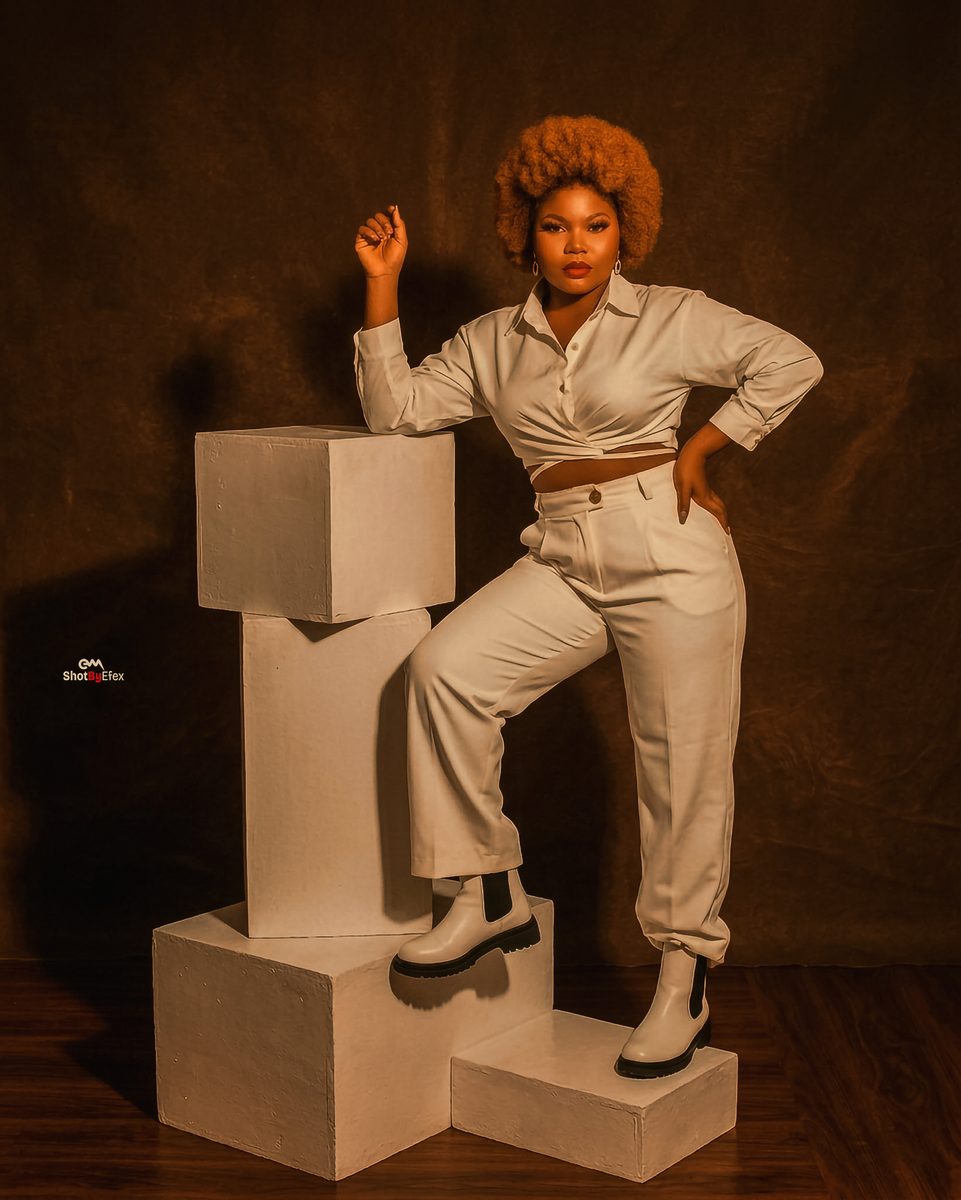
Studio portrait with white cubes
Shot in studio
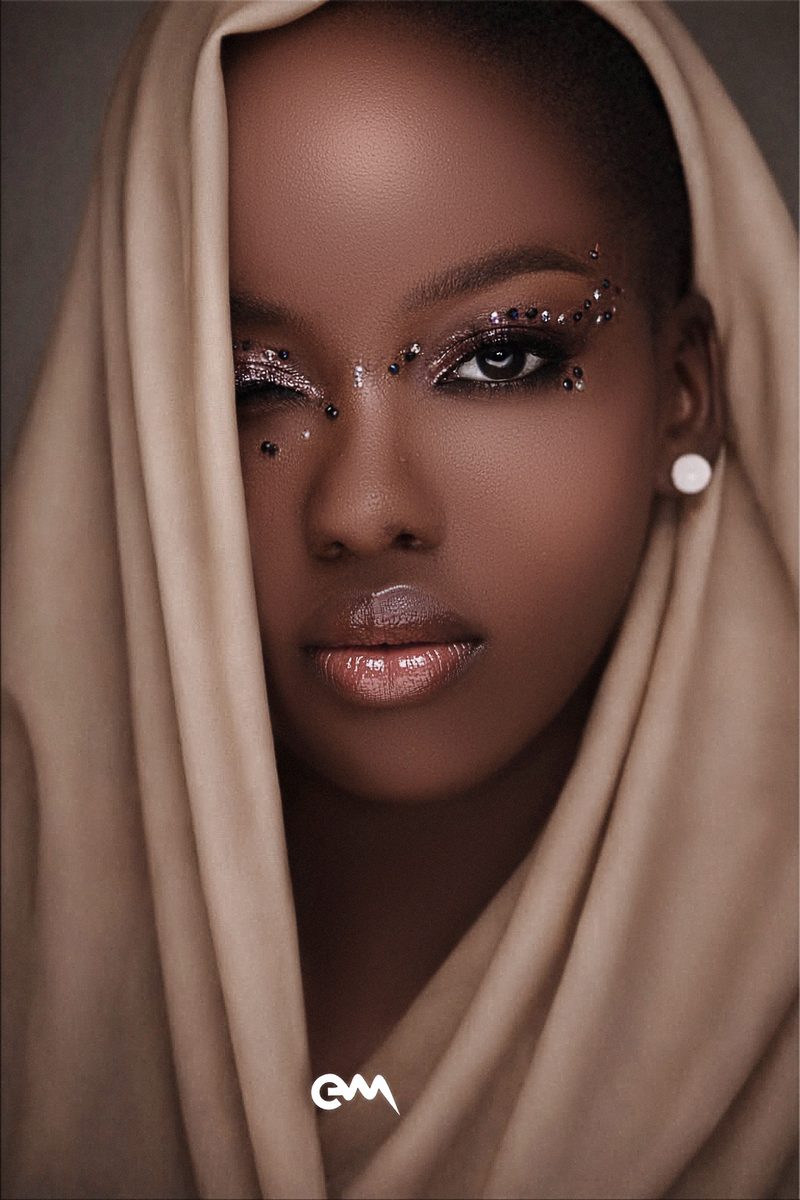
Editorial beauty portrait
Shot in studio
Portrait in a blue dress
Shot in studio
Straight from the video

Small studio → big scene

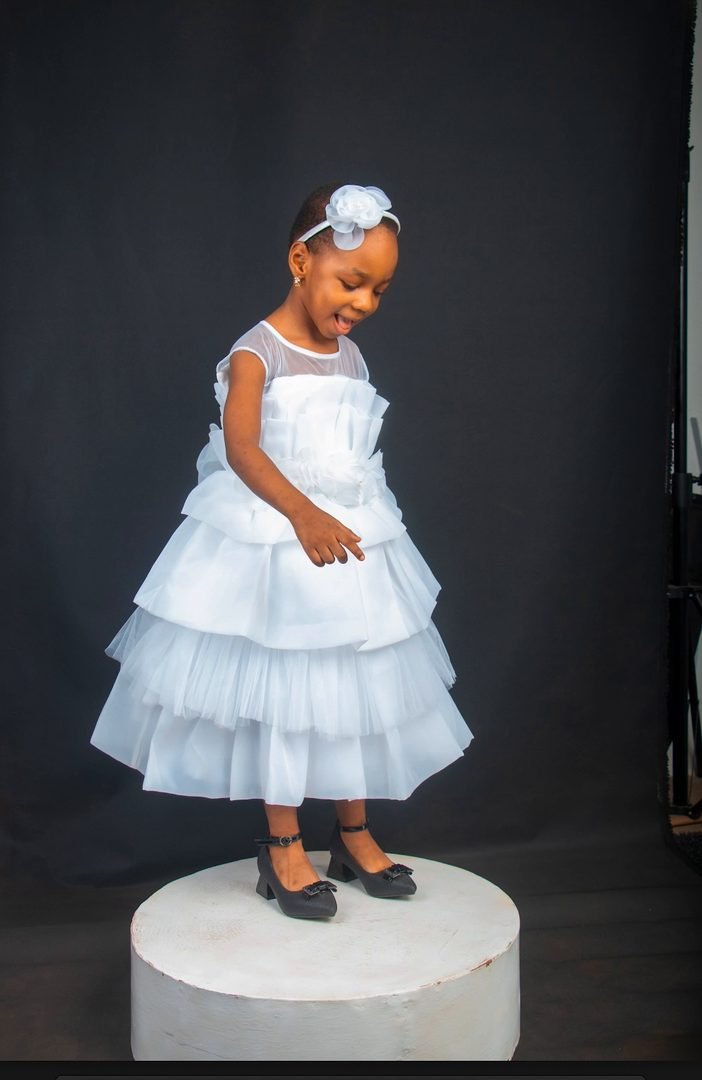
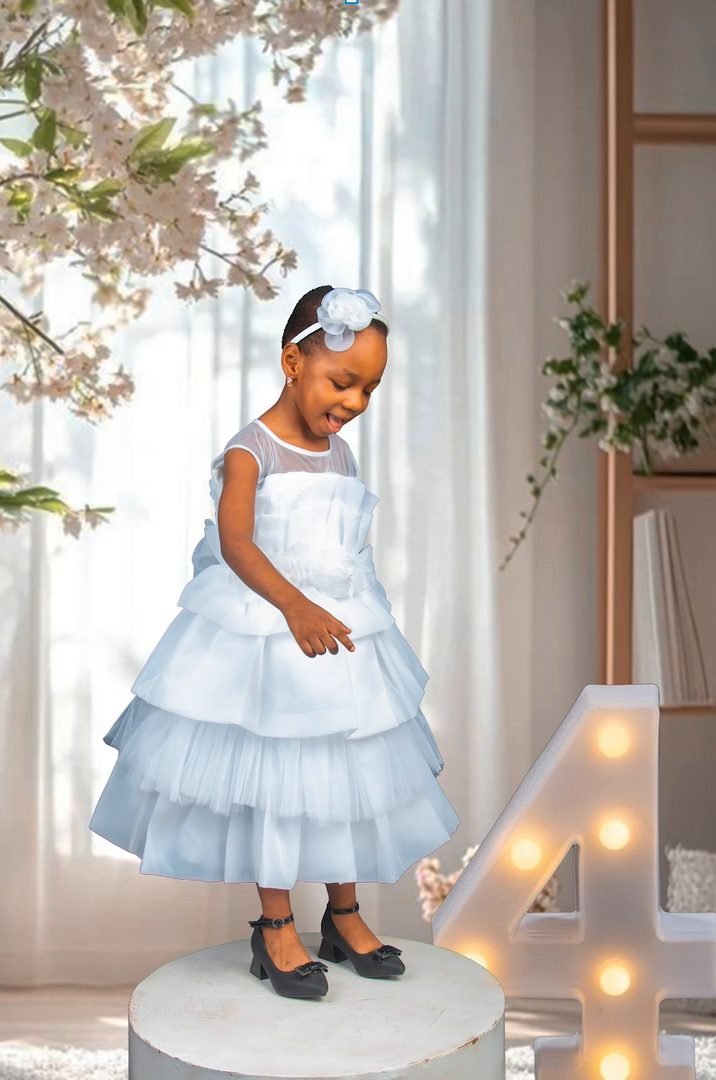
This is the exact edit you'll follow. Same photo, same small studio — only the background changed.

Before: a child on a white podium against a dark studio backdrop
BeforeShot on a plain backdrop in our studio
After: the same child composited into a bright room with curtains, blossom and a light-up number 4
AfterNew background, depth blur and a light-up prop
What you'll learn

One complete edit, step by step

Watch over the shoulder in Photoshop — with your instructor on camera — as a real studio portrait becomes a finished composite.

01

Start with a real studio shot

A portrait taken against a plain dark backdrop in our studio — the kind of photo you already have on your hard drive.

02

Cut out the subject

Select Subject and Remove Background in Photoshop: the fastest route to a clean cut-out, used properly.

03

Clean up the selection

Fix the parts the tools get wrong — like the podium under her feet — so every edge stays crisp.

04

Choose a new background

Pick a backdrop that suits the subject from a library of digital backgrounds — the same kind you get free with the masterclass.

05

Place, scale and position

Fit the subject into the new scene so her size and placement look natural.

06

Add real depth

Blur the background with Gaussian Blur so it reads like a real lens instead of a flat sticker.

07

Props and the final touch

Bring in a light-up birthday number, mask it into the scene and finish the composite.

Then practise on 699 backgrounds

Your free pack has the backdrops to repeat the technique again and again — see examples below.

Free bonus

699 digital backgrounds — free

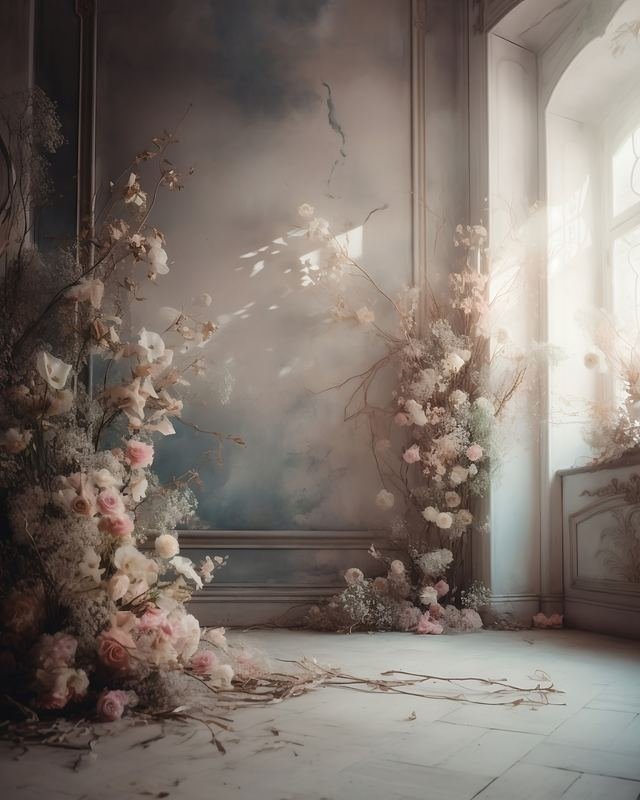
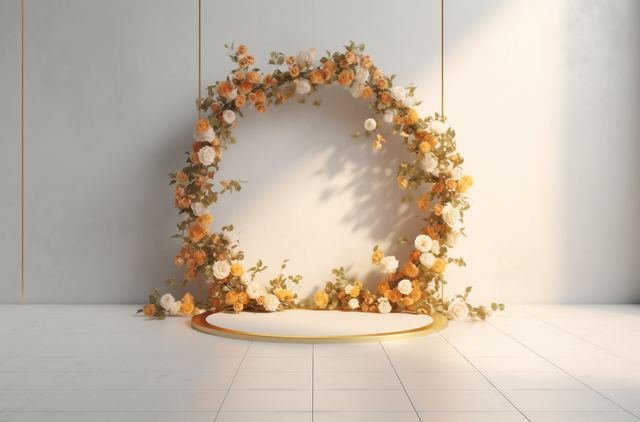
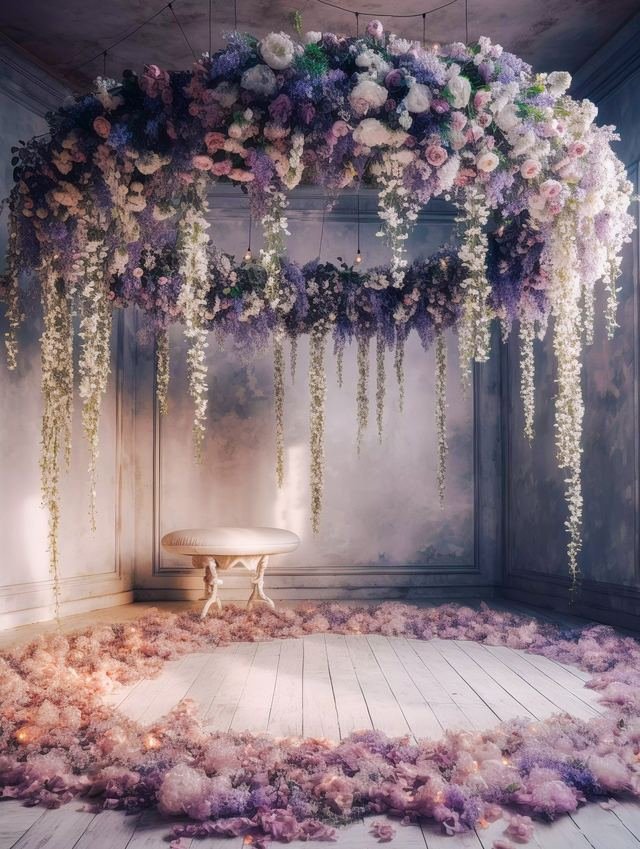
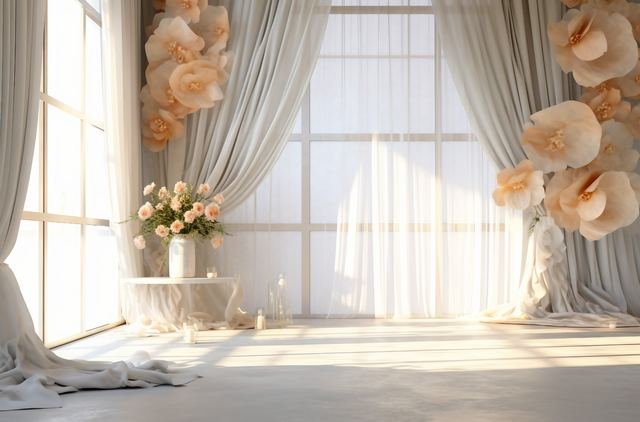
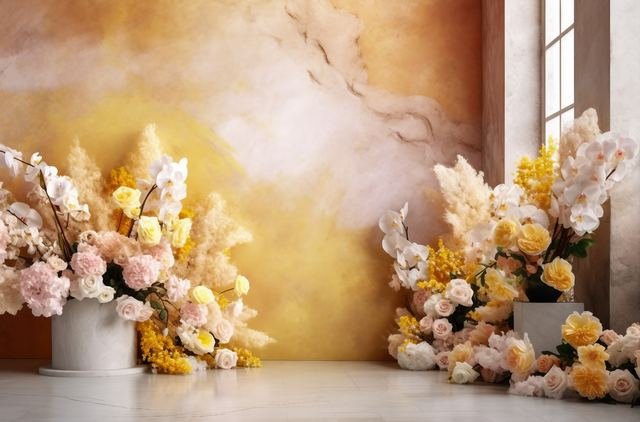
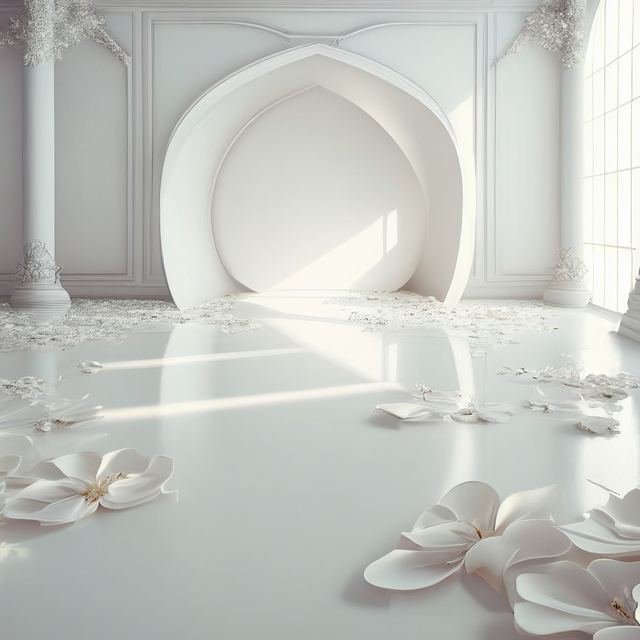
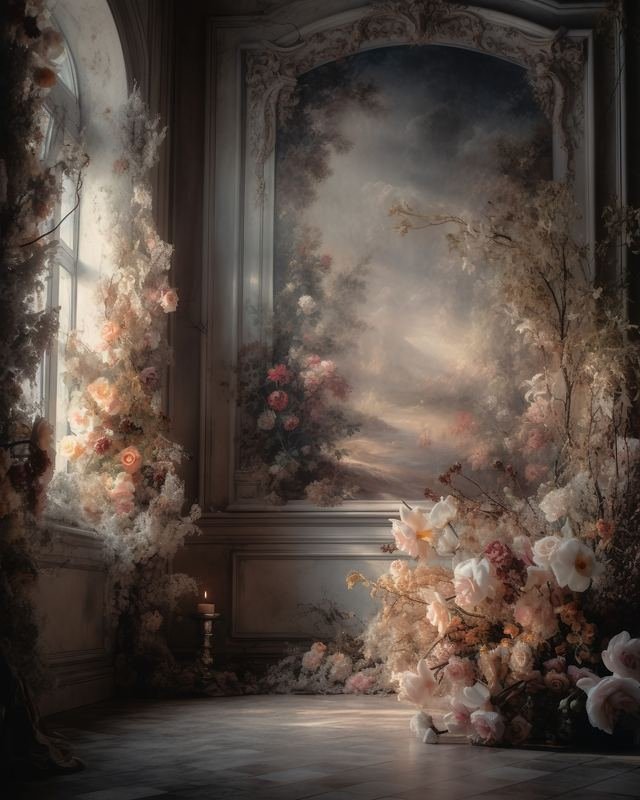
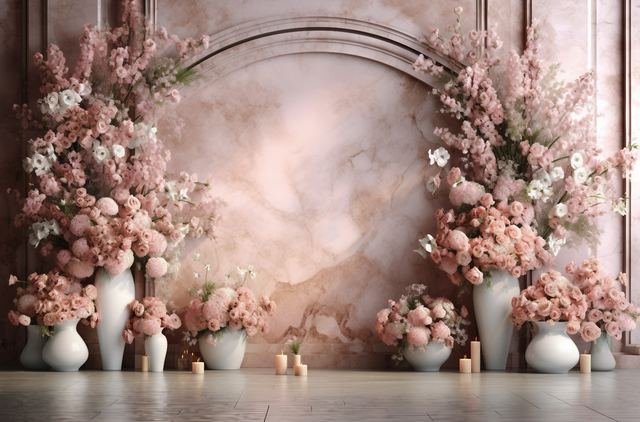
Every enrollment comes with our digital backgrounds pack: fine-art rooms, floral arches, illuminated windows, window-light shadows, painterly textures and more. 232 of them are 4K or larger.

Clean Floral Arches5 Essential Park195 Extras67 Fine Art49 Fine Art Room6 Fine Art Texture1 Floral Room14 Flower Shower21 Flying Fabrics1 Illuminated Windows7 Lens Reflections22 Metalic Bows8 Old Masters1 Tule Fabrics7 Variety Pack246 Window Shadows49

Sent with your masterclass link as one .zip (1.87 GB). Examples shown are small previews — the pack has the full-resolution files.

Who it's for

Built for people who ship images

Studio photographers

Deliver images that look like a big-budget set — from the studio you already have.

Editors & retouchers

Faster, cleaner cut-outs and composites your clients will love.

Graphic designers

Flyers, banners and ads where the subject actually belongs in the scene.

Kids & birthday shooters

Turn simple studio portraits into themed birthday scenes with props.

How it works

Three steps to your download

1

Create your account

Register with your name, email and phone number, then confirm your email with one click.

About a minute
2

Pay ₦5,499 with Paystack

Card, bank transfer or USSD on Paystack's secure checkout. Your card details never touch our servers.

Secure checkout
3

Download from your inbox

Links to the video and your free backgrounds arrive by email right after payment. They're valid for 24 hours, so download straight away.

Valid 24 hours
Efex Media Studios
15+Years in studio
From the studio behind ShotByEfex

Learn from a studio that does this every day

Efex Media Studios is a photography studio and creative agency in Asaba, Delta State, with 15+ years behind the camera and in the edit suite. The techniques in this masterclass are the ones we use on real client work — portraits, kids' birthdays, brand shoots and campaigns.

  • Real client workflow
  • Instructor on camera
  • Learn at your own pace
  • Yours to keep
Enroll

One price. Everything.

Full Masterclass + free bonus
₦4,999
+ ₦500 service fee · One-time payment · no subscription
  • The complete step-by-step video — a crisp 60fps screen recording with your instructor on camera
  • FREE: 699 digital backgrounds — 232 in 4K or larger
  • Yours to keep once it's downloaded
  • Private download links sent to your email — valid 24 hours
  • WhatsApp help with any payment or download issue
Enroll Now — ₦4,999
Paystack
FAQ

Good questions

How do I get the masterclass after paying?
As soon as Paystack confirms your payment, we email you private download links — one for the video and one for the free backgrounds pack. You can also download from My Masterclass while the links are active.
What's in the free backgrounds pack?
699 digital backgrounds in 16 folders — fine-art rooms, floral arches, illuminated windows, window shadows, painterly textures and more. 232 of them are 4K or larger. They arrive as one .zip file (1.87 GB) — extract it after downloading.
Do I pay extra for the backgrounds?
No. They come free with the masterclass — same payment, same download link.
Are there any extra charges?
Just one: a ₦500 service fee is added at checkout, so you pay ₦5,499 in total. It covers secure payment processing and delivery of your downloads. Nothing else, ever.
How long is the download link valid?
24 hours from the moment it's sent. Download everything to your computer straight away and keep a backup — once it's downloaded, it's yours.
My link expired before I could download. What now?
Message us on WhatsApp with your order reference (it's in your payment email) and we'll sort you out.
Which payment methods can I use?
Paystack's secure checkout accepts debit and credit cards, bank transfer and USSD, among others. Your card details go straight to Paystack — we never see them.
What do I need to follow along?
A computer with Adobe Photoshop (a recent Creative Cloud version is best) and a stable internet connection for the downloads.
Why do I have to verify my email?
The masterclass is delivered by email, so we confirm your address works before you pay. That way your download link can't get lost in a typo.
Can I share my download link?
Each link is tied to your purchase and expires after 24 hours. Please don't share it — it's how we keep the masterclass affordable.

Ready?

Make your small studio look huge

Join the masterclass today for ₦4,999 + ₦500 service fee and get 699 digital backgrounds free. Your download links land in your inbox the moment your payment clears.

Enroll Now — ₦4,999
Questions? Chat with us